












ABOUT THE SERVICE
Creating effective 3D medical PowerPoint
presentations for healthcare and pharma
Creating an effective medical PowerPoint presentation is crucial for engaging your audience. Whether you’re a healthcare professional or a medical student, your presentation must be clear and informative..
Looking for pharma 3D animation rather than presentations? That is a different service.
Understanding your audience’s needs is the first step. Tailor your content to their level of expertise and interest. Using the right medical PowerPoint templates can enhance your presentation’s impact. Choose designs that complement your topic and maintain a professional look. Incorporating high-quality medical graphics and visuals is essential. They help convey complex information in an easily digestible format. This guide will provide practical tips and strategies to create compelling medical slides. Let’s dive into the essentials of crafting a successful health presentation..
At Pixel Medical Animation, we transform traditional presentations into immersive, high-value experiences. We combine 3D animation, augmented reality and virtual reality to turn each presentation into a memorable educational and commercial tool. These solutions not only introduce innovation, but also strengthen scientific credibility and brand positioning within the healthcare and pharma industries.
UNDERSTANDING YOUR AUDIENCE AND OBJECTIVES
Identify the audience’s knowledge level.
Understanding your audience is key to an effective health presentation. Consider their knowledge level and interests. Are they medical experts or students?
Define your presentation’s goals.
Tailoring your content to their expertise is crucial. Simplifying medical jargon for a lay audience can prevent confusion. Conversely, professionals may require detailed explanations.
Tailor content to meet audience expectations.
Tailoring your content to their expertise is crucial. Simplifying medical jargon for a lay audience can prevent confusion. Conversely, professionals may require detailed explanations.
Simplify or expand medical details as needed.
By understanding both your audience and your objectives, you set the stage for a successful presentation. This approach ensures your message resonates and achieves its intended impact.
STRUCTURING YOUR MEDICAL POWER POINT PRESENTATION

Start with a Clear Introduction.
A well-structured medical presentation flows smoothly and keeps the audience engaged. Start with a clear introduction, offering a brief overview of what the presentation will cover..

Main content divided into sections
Break the presentation into sections for ease of understanding. Each section should begin with a slide title that clearly indicates the topic being discussed. This strategy helps guide the audience through complex medical concepts.

Summarize key points and call to action
Include a mix of medical slides that highlight important points and provide context. Use bullet points to emphasize key data, ensuring each point is easy to follow. This keeps the information concise and accessible.

End with a conclusion
Finally, end with a conclusion that reinforces the essential takeaways and invites discussion. A strong closing slide with a summary helps the audience retain information long after the presentation concludes.
CHOOSING THE RIGHT MEDICAL
Why Choose Us for Your Medical Presentation
Scientifically Accurate, Reviewed by Experts
Your R&D and medical-affairs teams won’t have to fix our science. We build every project on your data and source material, review it with specialists, and represent mechanisms and anatomy faithfully, down to the molecular detail.
25+ Years of Experience with Leading Pharma & Medtech
We’ve delivered work for Hipra, Grifols, Salvat, AstraZeneca, Pfizer, Zeiss, Abbott, Medtronic, and Novartis, among others. Three decades inside the medical field means we already speak your language, clinical, regulatory, and commercial.
Full-Service, In-House Team, From Concept to Delivery
Concept, scientific design, 3D animation, programming, and final delivery all happen with one team. You brief once, coordinate one partner, and receive every format you need.
DESIGNING VISUALLY ENGAGING MEDICAL SLIDES
Create visual impact and retention
Creating visually engaging slides helps retain audience attention. Start by using a balance of text, images, and white space to avoid overwhelming viewers. Each slide should focus on a single main idea for clarity.
Avoid cluttering slides
Avoid cluttering slides with excessive information or visuals. Use concise text with bullet points to highlight important details, making the message clear and easy to follow.
Use consistent fonts and color schemes
Effective slide design also involves using consistent fonts and color schemes. This consistency enhances the presentation’s professionalism and aids comprehension. Employing bold or colored text for emphasis can guide the audience’s focus effectively.
Consider these 3 essential design principles
1| Prioritize simplicity and clarity on each slide.
2| Use high-quality images for visual appeal.
3| Maintain alignment and spacing for a neat appearance.
USING MEDICAL GRAPHICS AND VISUALS EFFECTIVELY
Medical graphics and visuals are powerful tools in presentations. They simplify complex topics and enhance understanding. Accurate and up-to-date visuals are crucial for clarity.Incorporate a variety of visuals to cater to different learning styles. This could include charts, diagrams, and medical illustrations. Each type serves a unique purpose, bringing abstract concepts to life. Ensure that each visual complements the slide’s text and message. Overcrowding a slide with graphics can distract from the key points. Focus on relevance and clarity when selecting visuals.

3D Infographics
Integrate 3D infographics to show organs, devices, molecules, or biological processes with greater depth, clarity, and visual impact

Use Elegant Charts
Present clinical data with elegant charts, using clear hierarchy, contrast, and minimal text to highlight the key message
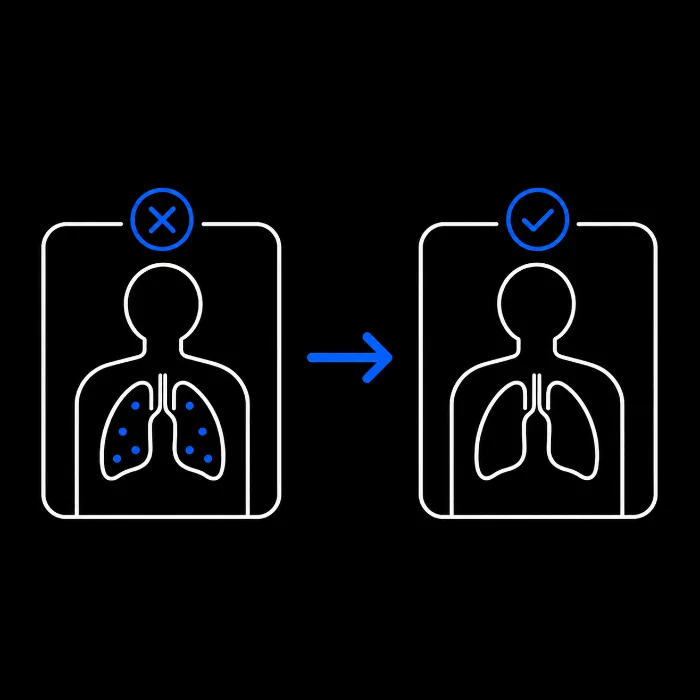
Before / After viz.
Add before-and-after medical visuals to compare disease progression, therapeutic effects, procedural results, or patient improvement clearly

Use Live Polls
Use live audience polls to test medical knowledge, collect opinions, or compare perceptions before and after the presentation.
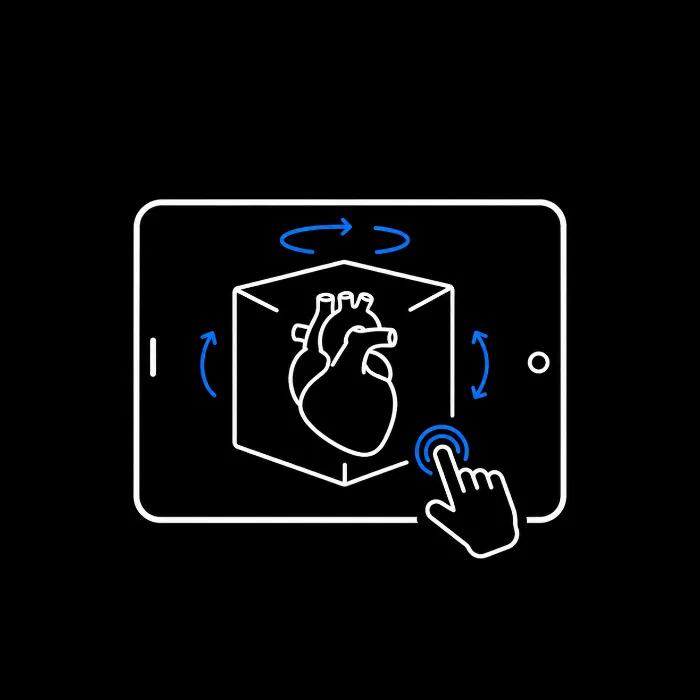
Use Interactive 3D Models
Use interactive 3D models that can be rotated, zoomed, or explored during the presentation to explain anatomy or technology

Immersive 360º
Present immersive 360º scenes to show hospitals, laboratories, operating rooms, or treatment spaces in a more experiential format.
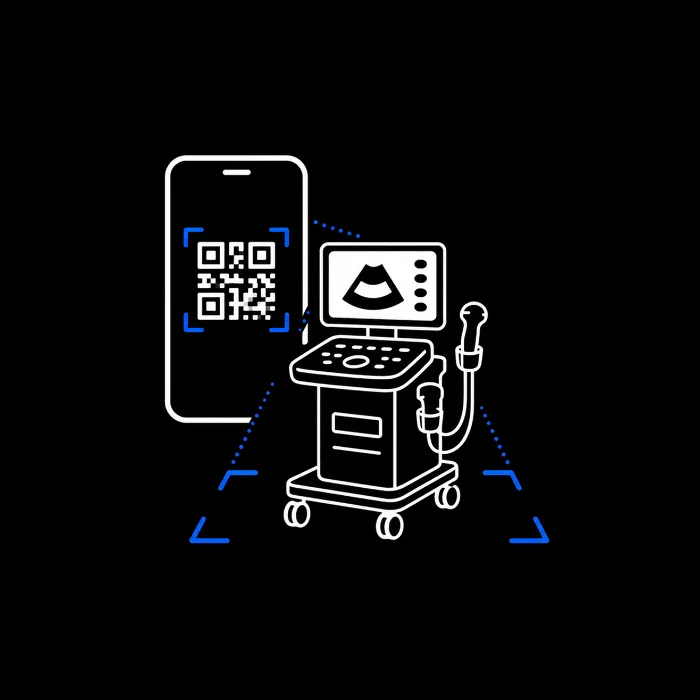
Use AR / Qr codes
Use augmented reality to let the audience visualize a medical device at real scale, improving spatial understanding and product perception.

Interactive Questions
Integrate interactive questions between sections to keep physicians, patients, or stakeholders engaged during complex scientific explanation
OUR CASE STUDIES | POWERPOINT PRESENTATIONS
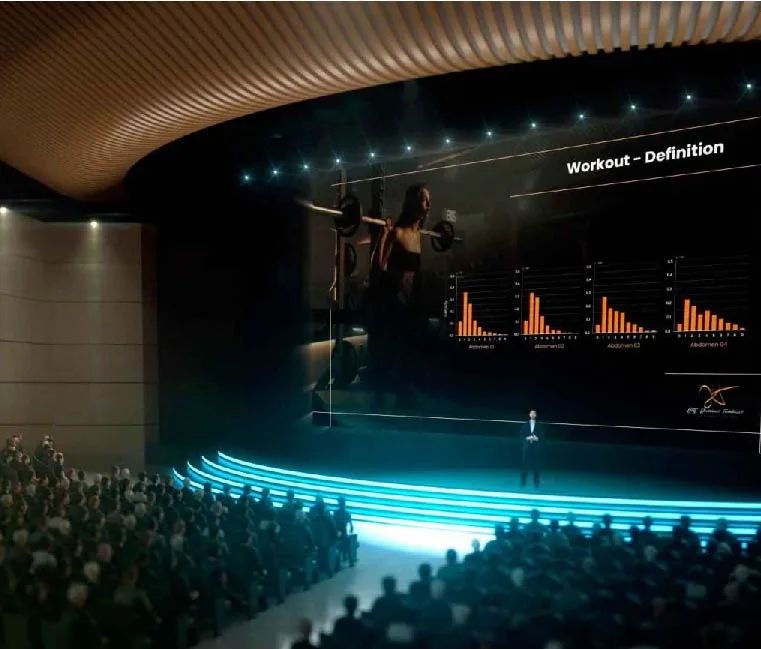
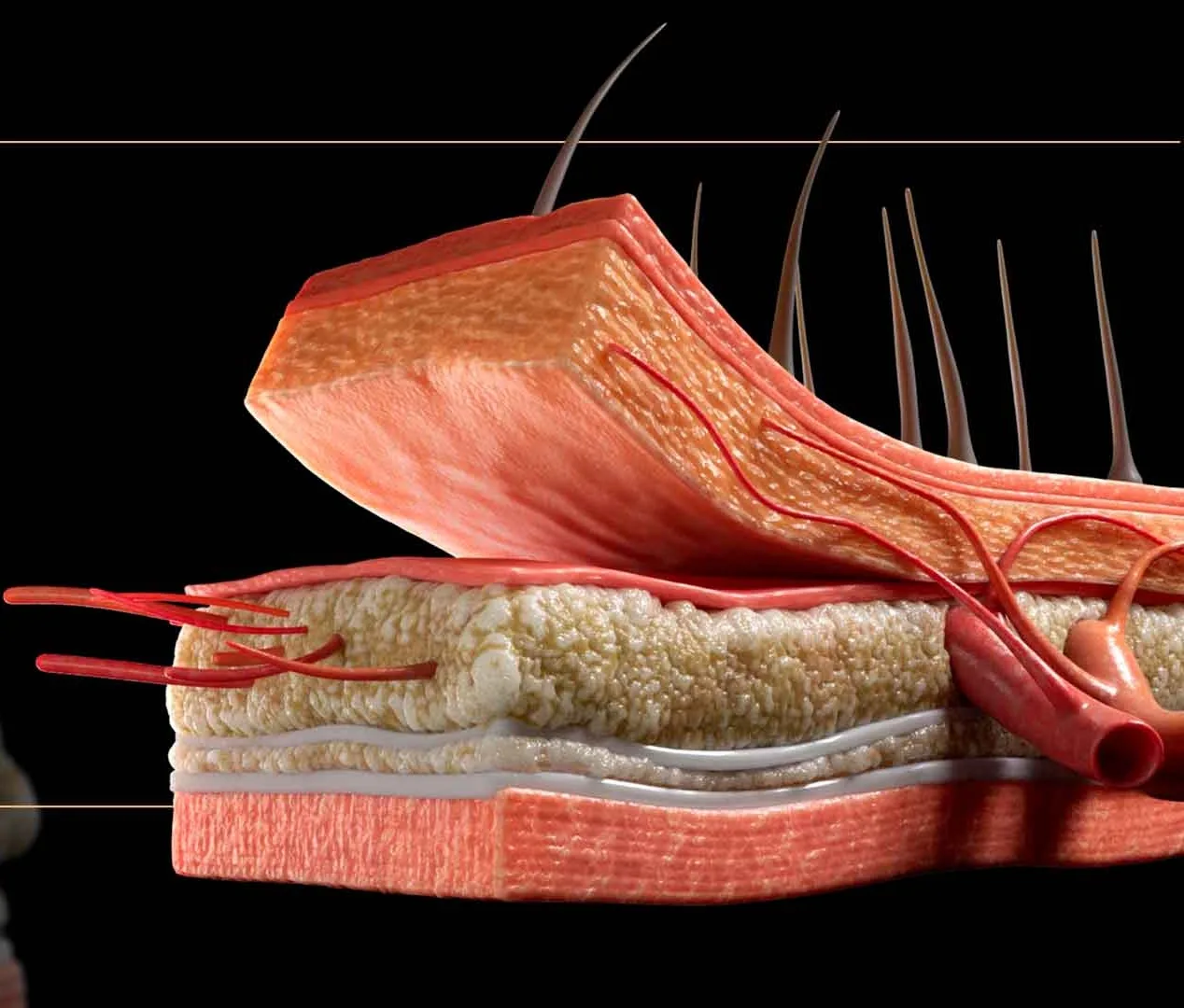
Clínica J. Mir – Renuvion Summit, Las Vegas
3D surgical animation developed to present advanced plastic-surgery techniques at the Renuvion Summit congress. The project combined 3D anatomy and scientific storytelling to enhance Dr. Mir’s communication before an international audience of specialists.
Damiano Tambasco – Congress CATBBAS VII
Interactive 3D presentation applied to biotechnology and genetics, used to visualize cellular and molecular processes in an immersive way.
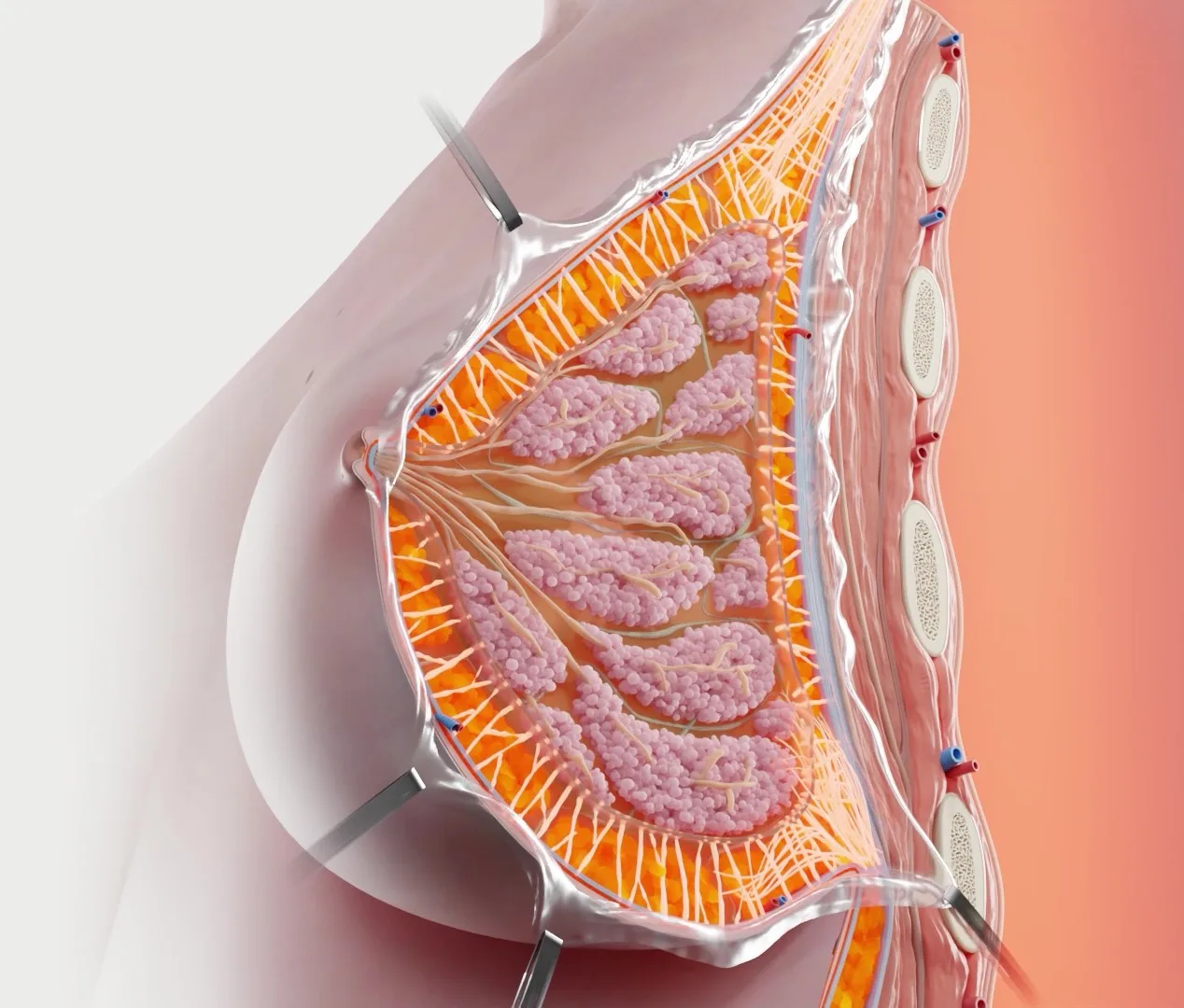
Dr. Tracy Pfeifer – The Aesthetic Meet
The medical presentation on breast surgery addresses breast augmentation from a technical, anatomical, and functional perspective.
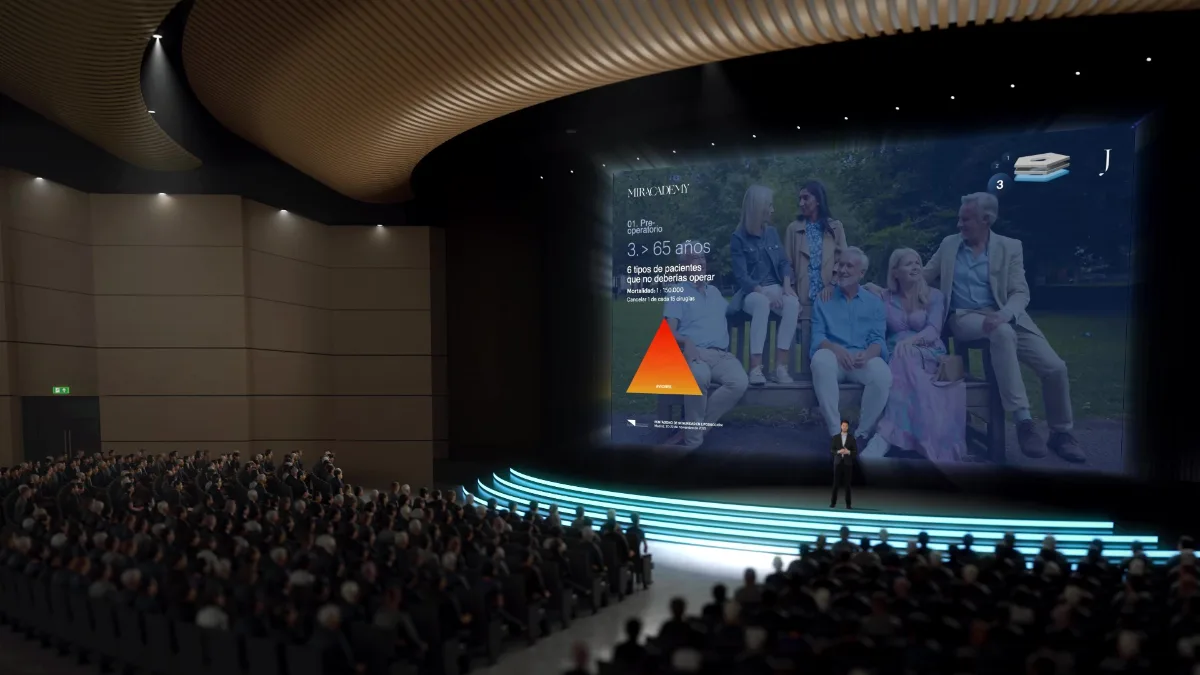
Clínica J. Mir – AECEP 2025, Madrid
The medical presentation on breast surgery addresses breast augmentation from a technical, anatomical, and functional perspective.
EVIDENCE OF OUR IMPACT
+25
years of experience
+1500
completed projects
+100
clients served
PRESENTING COMPLEX DATA WITH CLARITY
1
Clarity is Key
Presenting complex data can be challenging, but clarity is key. The goal is to make information accessible and easy to understand.
2
Keep charts simple
Choose the type of visualization based on the data’s nature. For ex, pie charts work well for proportions, while line graphs are ideal for trends.
3
Brief data explanation
Provide a brief explanation of the data’s implications, that could influence decision-making processes in various fields.
ENHANCING ENGAGEMENT AND INTERACTIVITY
Engaging your audience is vital for a successful health presentation. Interactive elements help maintain attention and facilitate learning. Tailoring your presentation to include these elements can boost participation. Incorporate activities such as Q&A sessions or live polls. This involvement allows for real-time interaction and feedback. Audience members stay engaged and feel more involved in the topic. Storytelling is another powerful tool. Real-life examples or case studies can make your content more relatable. Audiences tend to remember stories longer than raw data.

Encourage questions throughout the presentation
Encourage questions throughout the presentation to keep the audience engaged and ensure key concepts are clearly understood.
Creating space for questions also helps identify doubts early and makes the session feel more interactive, useful, and collaborative.

Use audience response systems for instant feedback
Use audience response systems to collect instant feedback and understand how well the audience is following the presentation.
This allows you to adjust the pace, clarify complex points, and make the session more interactive and responsive.

Incorporate short quizzes to reinforce learning
Incorporate short quizzes throughout the presentation to help reinforce key concepts and keep the audience actively involved.
These quick learning checks make it easier to identify what has been understood and encourage better retention of the information.
Best Practices for Delivering Your Health Presentation
Start with a clear introduction
Delivering a health presentation requires more than just presenting slides. A polished delivery can make your content stand out. Begin with a clear and compelling introduction to set the stage.
Rehearsing is key. Practice your presentation multiple times to ensure a smooth delivery. It helps in managing time and refining your communication style. A well-rehearsed presentation appears more professional.
Keep eye contact and mind your body language
Maintain eye contact with your audience. This builds connection and trust, making your presentation more engaging. Additionally, be mindful of your body language; it should convey confidence and openness.
Here are some best practices to consider:
- Use a remote clicker for seamless slide transitions.
- Engage with audience members by inviting questions.
- Be prepared to adapt if technical issues arise.
Mind your tone and pace
Remember, your tone and pace matter. Speak clearly and at a steady pace to ensure understanding. Incorporating these best practices ensures that your health presentation is both informative and memorable.
COMMON MISTAKES TO AVOID IN MEDICAL POWERPOINT DESIGN

Overloading slides with too much data
Avoid cluttering slides with excessive information; it overwhelms your audience. Instead, focus on key points with concise text and visuals.
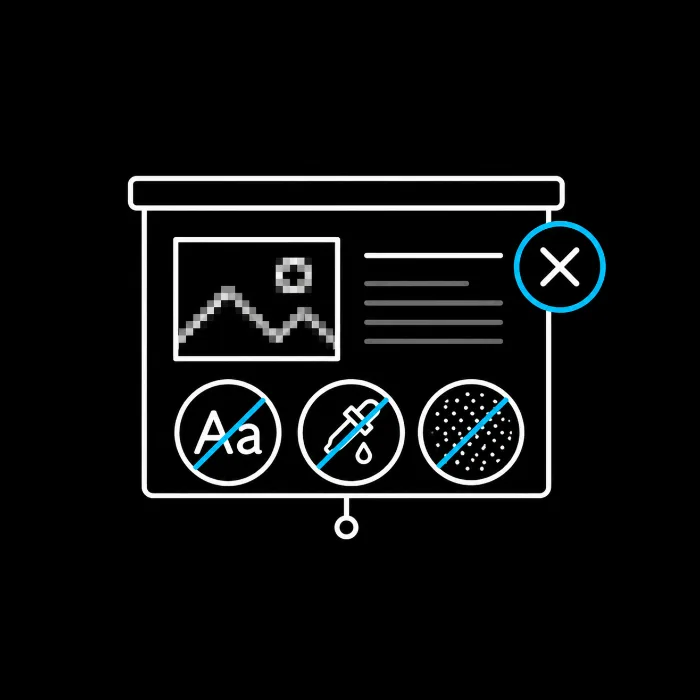
Using low-quality images or graphics.
Ensure your slides maintain readability. Using fonts that are too small or colors that clash can hinder your audience’s comprehension. Always aim for clear, legible text with a consistent style.

Neglecting to test the presentation on different devices
it is essential to take the time to check how the presentation appears on different devices to ensure a seamless experience for everyone who will be viewing it.
WORK PROCESS
1
Brief & kickoff
We start from your data, goals, audience, and deadline. You bring the science and the message; we tell you what’s possible and how to make it land.
2
Script and structure
We define what goes on each slide and in what order: a clear introduction, the content split into sections and a conclusion that sums up the key points.
3
Template and slide design
We build the visual system: consistent fonts and colours, a clear heading hierarchy and slides that are not overloaded with data.
4
3D animation and graphics
We produce the pieces that explain what a photograph cannot: anatomy layer by layer, techniques step by step and animated infographics.
5
Delivery
We hand over the finished presentation in the agreed format, ready to project.
Timelines & What to Expect
You will always know what stage you’re in, what you’re approving, and what comes next.
Timelines depend on the number of slides, how many 3D animations are involved, and whether the script has to be built from scratch.
Working against a congress or launch date? Tell us the deadline up front.
We plan the entire production backward from it
and after 25 years of trade shows and launches, we’ve hit a lot of them.
FACTORS THAT DETERMINE THE PRICE OF A 3D MEDICAL PRESENTATION
Number of slides and length of the talk
The scope changes with how many slides the presentation runs to and how long the speaker has at the podium.
How many 3D animations it involves
An animated infographic does not cost the same as a full surgical sequence, and a presentation may carry one or several.
Assets you already have
If there is already a script, images, 3D models or a corporate template, we reuse them. When there is nothing, we build from scratch.
Level of detail and realism
The more precise the anatomical or clinical models, the greater the investment in design, animation and scientific validation.
Interactivity
A presentation projected straight through does not cost the same as one the speaker navigates according to the audience’s questions.
Delivery timeline
Working against a congress date shapes the planning of the whole production.
What this Investment Buys You:
Scientifically Accurate
Science that’s accurate and review-ready, not just pretty.
Full Ownership
Full ownership of your project and every deliverable.
Every Format, From One Partner
Every format your team needs, from one partner.
On-Deadline Delivery
A studio that hits the deadline your project is built around.
CONCLUSION
1
Careful planning and execution
Creating an effective medical PowerPoint presentation requires careful planning and execution.
2
Use clear visuals
Consider your audience, use clear visuals, and focus on delivering complex information with simplicity
3
the aim is to inform and engage
By utilizing the right design principles, you can deliver a compelling health presentation that leaves a lasting impression.
FAQS
Do you work with our PowerPoint template or create one?
Both. If you have a corporate template we work inside it; if not, we design the slide system from scratch, with consistent fonts and colours throughout.
Can you prepare the presentation for a congress talk?
Yes, it is one of the things we do most. Dr Mir’s talk at the Renuvion Summit in Las Vegas and the one at the AECEP congress in Madrid are two published examples.
What does a 3D animation add to a presentation?
It explains what a photograph or a diagram cannot: a surgical technique step by step, anatomy layer by layer, or how a treatment works.
How is the level of medical detail decided?
By the audience. The first step is identifying their knowledge level and the goals of the presentation, and from there the medical detail is simplified or expanded.
What structure should a medical presentation have?
A clear introduction, the main content split into sections, a summary of the key points with a call to action, and a conclusion.
What is the most common mistake in medical slide design?
Overloading the slide with data. It helps to keep fonts and colour combinations consistent and let each slide carry a single idea.
Which kinds of graphics work best?
It helps to vary them — tables, diagrams, medical illustrations — because each type serves a purpose and audiences learn in different ways. Every visual should complement the slide’s message, not compete with it.
Do 3D infographics work for a non-specialist audience?
Yes. Their job is to simplify complex subjects and bring abstract concepts to life, so they work well when the audience is not technical.
How do you hold the audience’s attention during the talk?
With interactive elements and by encouraging questions throughout the presentation, as well as eye contact and a careful tone and pace.
Is rehearsing necessary?
It is essential. Running through the presentation several times helps with timing, sharpens the delivery and makes the result look more professional.
——— GET A QUOTE ———
Get a Quote for Your Medical Presentation
Tell us your project, your audience, and your deadline.
We’ll come back with a clear approach and a fixed quote, usually within 48 hours.
Contact
Contact Us
Contact
Contact Us
Boston, Massachusetts, USA
T: (+1) 617 351 8477
M: (+1) 484 473 1704
info@pixel-medical-animation.com
Business Hours:
Mon-Fri: 9am-6pm (local time)
How can we help you?

SERVICES
- Medical 3D Animation in Boston
- Medical 3D Animation in Miami
- Medical 3D Animation in Los Angeles
- Medical 3D Animation in Minneapolis
- Medical 3D Animation in New York
- Medical 3D Animation in Raleigh Durham
- Medical 3D Animation in Chicago
- Medical 3D Animation in Texas
- Medical 3D Animation in Seattle
- Medical 3D Animation in Washington DC